Streamlining Delivery via Modern CI/CD Pipelines
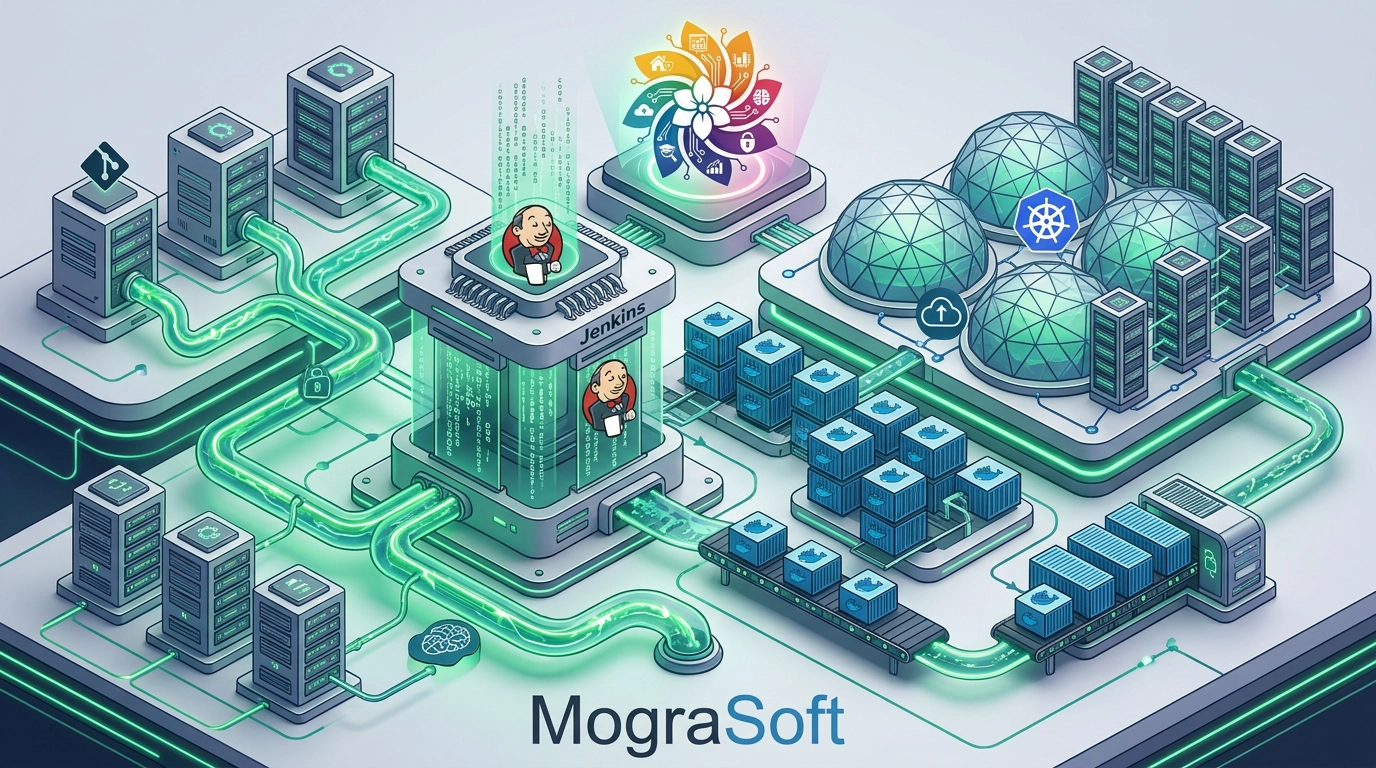
Accelerating release velocity and operational stability. Explore programmable Jenkins Groovy pipelines, immutable Docker containerization, and declarative Kubernetes orchestration across enterprise environments.
 Click to Expand
Automation Philosophy
Modern enterprise delivery demands reproducible builds, automated testing gates, and seamless deployment strategies. By combining programmable orchestration in Jenkins using Groovy with immutable container runtimes in Docker and self-healing Kubernetes clusters, software engineering teams achieve rapid time-to-market without sacrificing reliability.
1. Jenkins & Programmable Groovy Pipelines
Jenkins remains an anchor of enterprise automation. The transition from legacy UI-configured jobs to declarative **Pipeline-as-Code** powered by **Groovy** allows pipelines to be version-controlled, code-reviewed, and tested alongside application logic.
Why Groovy Pipeline-as-Code Matters:
- Shared Libraries: Centralize common build steps, security scanners, and deployment notifications into reusable, versioned Groovy modules shared across hundreds of microservice repositories.
- Declarative Syntax & Validation: Enforce structured build stages (`Build`, `Test`, `Security Analysis`, `Deploy`) with built-in post-execution cleanup actions and error handling.
- Dynamic Worker Provisioning: Spin up ephemeral Jenkins agent pods inside Kubernetes dynamically based on job resource demands, reducing idle compute costs to zero.
pipeline {
    agent { label 'k8s-maven-agent' }
    stages {
        stage('Compile & Test') {
            steps {
                sh 'mvn clean test'
            }
        }
        stage('Containerize') {
            steps {
                script {
                    docker.build("app-service:${env.BUILD_NUMBER}")
                }
            }
        }
    }
}
2. Docker & Immutable Application Packaging
Containerization addresses the classic "works on my machine" dilemma. **Docker** packages applications alongside their runtime dependencies, binaries, and configurations into immutable image artifacts.
Multi-Stage Builds
Separate build environments from runtime images to reduce attack surfaces and minimize final image sizes from gigabytes down to tens of megabytes.
Image Security Scanning
Integrate container vulnerability scanners (Trivy, Grype) directly into pipeline stages to block images containing high or critical CVEs prior to registry push.
3. Kubernetes: Production Container Orchestration
Running individual containers is simple, but managing thousands of distributed container instances across multi-node clusters requires **Kubernetes (K8s)**. K8s automates deployment, scaling, health checking, and network routing for containerized applications.
| Kubernetes Feature | DevOps Value Add | Operational Benefit |
|---|---|---|
| Self-Healing | Automatically restarts failed containers and replaces non-responsive nodes. | Zero operational downtime during routine application crashes. |
| Horizontal Pod Autoscaling (HPA) | Scales application replicas dynamically based on CPU, memory, or custom metrics. | Effortlessly absorbs unexpected traffic spikes while cutting idle compute cost. |
| Declarative Configs (YAML/Helm) | Defines cluster state in Git (GitOps via ArgoCD/Flux). | Enables rapid disaster recovery, instant rollbacks, and full auditability. |
4. Strategic Business Impact of Modern DevOps
Integrating Jenkins, Docker, and Kubernetes yields measurable improvements across key engineering productivity metrics:
Low-Risk
Zero-Downtime DeploymentsUtilize Blue-Green and Canary releases to route production traffic safely to new application versions.
Shift-Left
Automated Quality GatesCatch bugs, performance degradation, and security vulnerabilities early in the CI stage.
Consistency
Environment ParityEnsure development, staging, and production environments run identical container configurations.